Overview
An automatic label dispenser feeds printed sheets into a clamp position, advances a label web from a roll across each sheet, and presses each label into place with an overhead press head before the finished sheet drops into a collection tray. Replacing hand placement keeps every label at the same position with consistent seating, so printing, addressing and packing lines do not slow down one sheet at a time. This guide explains the feed-and-clamp cycle, the label web and press, what to specify, and what to verify before acceptance. It is written for packaging and document-finishing teams that add address, batch or content labels to sheets and cards.
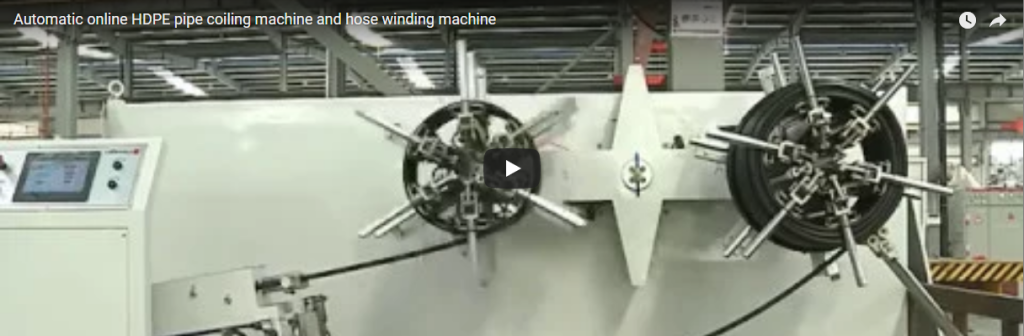
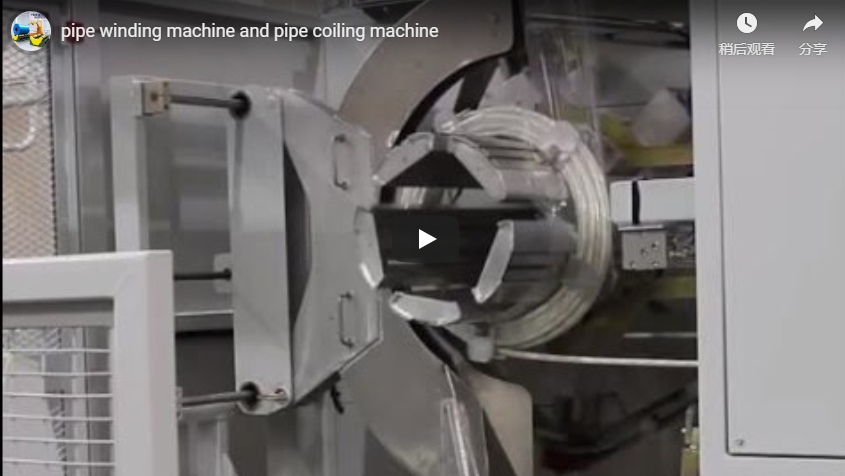
The video below shows sheets feeding into the clamp position, the label web advancing across each sheet, the press head lowering, and finished sheets dropping into the collection tray:
Why Automate Label Placement
Adding a label to every sheet by hand takes time and can sit crooked, and a misplaced label wastes a piece. An automatic cycle places the label at the same position on every sheet:
| Task | By hand | Automatic dispenser |
|---|---|---|
| Label position | Operator-dependent | Same spot on every sheet |
| Seating | Air pockets, crooked placement | Press head seats it flat |
| Pace | Speed of the operator | Programmed cycle |
| Waste | Misplaced label wastes a piece | Consistent placement |
Sheet and label size are confirmed per project.
How the Dispenser Applies a Label
A sheet feeds in and is held between upper and lower rollers at the label position, so the label lands on the same spot each cycle. A roll of labels advances the web across the sheet while the sheet advances; an overhead press head lowers and presses the label against the sheet to seat it flat, avoiding bubbles and crooked placement. When the label is seated, the sheet is released and drops into a collection area at the front; the simple drop outfeed keeps the unit compact while finished sheets build into a neat stack.
| Stage | What happens |
|---|---|
| Sheet feed | Sheet enters and is clamped between upper and lower rollers. |
| Label web | A label roll advances the web across the sheet. |
| Press head | Lowers and presses the label flat onto the sheet. |
| Outfeed | Sheet releases and drops to the collection tray. |
Label size, web width, press travel and collection height are confirmed per project.
What to Specify
Give the manufacturer the following per project:
| Input | Why it matters |
|---|---|
| Sheet size (length, width) | Sets clamp travel and feed path. |
| Label (size, web, position) | Sets the web guide and program. |
| Press (travel, pressure) | Sets seating quality. |
| Cycle per sheet | Sizes the drive and program. |
| Optional coding or inspection | Print head or detection added as project options; state the requirement. |
| Layout (bench height, space) | Sets frame and outfeed height. |
Operation, Safety and Acceptance
Load sheets and the label roll, then start the cycle; each sheet feeds in, the label web advances, the press head seats the label, and the sheet drops to the tray. Keep clear of the press head and the roller feed while the machine runs, and confirm the label position before a run. Routine checks cover the feed rollers, the web drive and the press head, per the machine manual.
Before acceptance, review the testing record:
- Extended run. The manufacturer’s stated practice on this machine family includes extended near-continuous pre-delivery testing before dispatch.
- Control and safety. Confirm the control system and the emergency stop function were verified before delivery.
- On arrival. Run an empty cycle, a loaded cycle, and verify the emergency stop.
- Automatic Label Dispenser | FHOPE – The machine’s official page with the embedded application walkthrough.
- Coil Packaging: Operation and Applications – An automated packing line from the same family, where data and identification marking can be integrated at the finishing end of the pack.
On safety, FHOPE packaging machinery is engineered with EN 415-10 as the packaging-machinery safety reference and an ISO 12100 risk assessment for the press head and feed areas. Treat these as engineering safety references rather than a per-machine certificate, and confirm certification per project.
FAQ
Q: What does the dispenser do?
A: It feeds sheets, brings a label web across each sheet and presses the label into place.
Q: Why automate the labels?
A: An automatic cycle places every label at the same position, quickly and without wasted pieces.
Q: How is the sheet held?
A: Upper and lower rollers clamp the sheet at the label position.
Q: How is the label seated flat?
A: An overhead press head lowers and presses the label against the sheet.
Q: Can coding or inspection be added?
A: Yes — print and detection units are available as project options; state what you need per project.
Next Step
Email info@fhopepack.com with your sheet and label size, press travel and cycle, and whether you need coding or inspection. We confirm the label position and cycle against your pieces, so the dispenser proposal and layout sketch can be prepared for your review.