Date: May 2026
Client: International User (MOHSIN)
Lead Engineer: Mr. Guo (Fhope Machinery)
Subject: Remote Troubleshooting of Electronic Weighing Systems and PC Data Integration
Document ID: FHP-AS-2026-0502

1. Introduction: The Critical Role of Precision in Industrial Automation
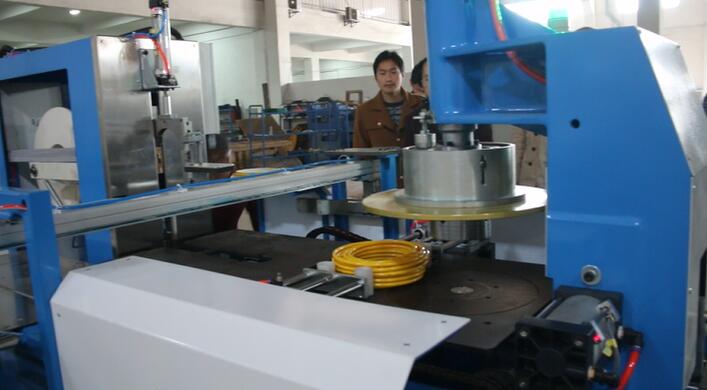
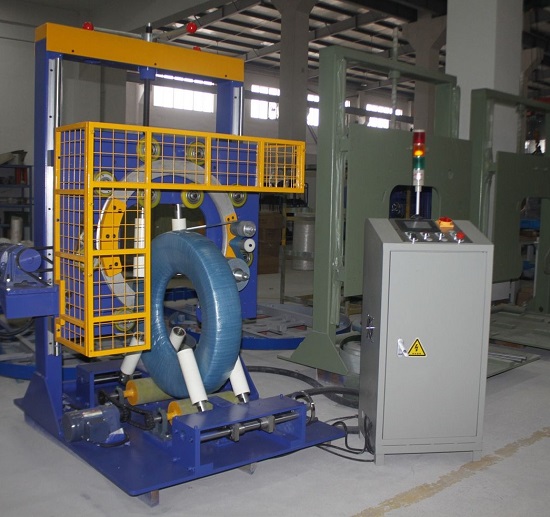
In the high-stakes environment of heavy industrial manufacturing, particularly within coil packing lines, precision is not merely a preference—it is a functional requirement. Shanghai Fhope Machinery has established itself as a leader in this sector by focusing on comprehensive automation solutions that streamline the packaging of steel, copper, and aluminum coils. While the primary machinery handles the heavy lifting and wrapping, auxiliary systems such as electronic scales play a vital role in quality control, logistics, and inventory management.
This article provides an in-depth analysis of a recent technical support case involving a global client. It details the steps taken to resolve a multi-layered failure involving hardware calibration and software communication protocols. By documenting this process, we aim to provide a roadmap for troubleshooting similar issues and demonstrate our commitment to excellence in after-sales service.
2. Problem Identification: The “Digital-Physical” Gap
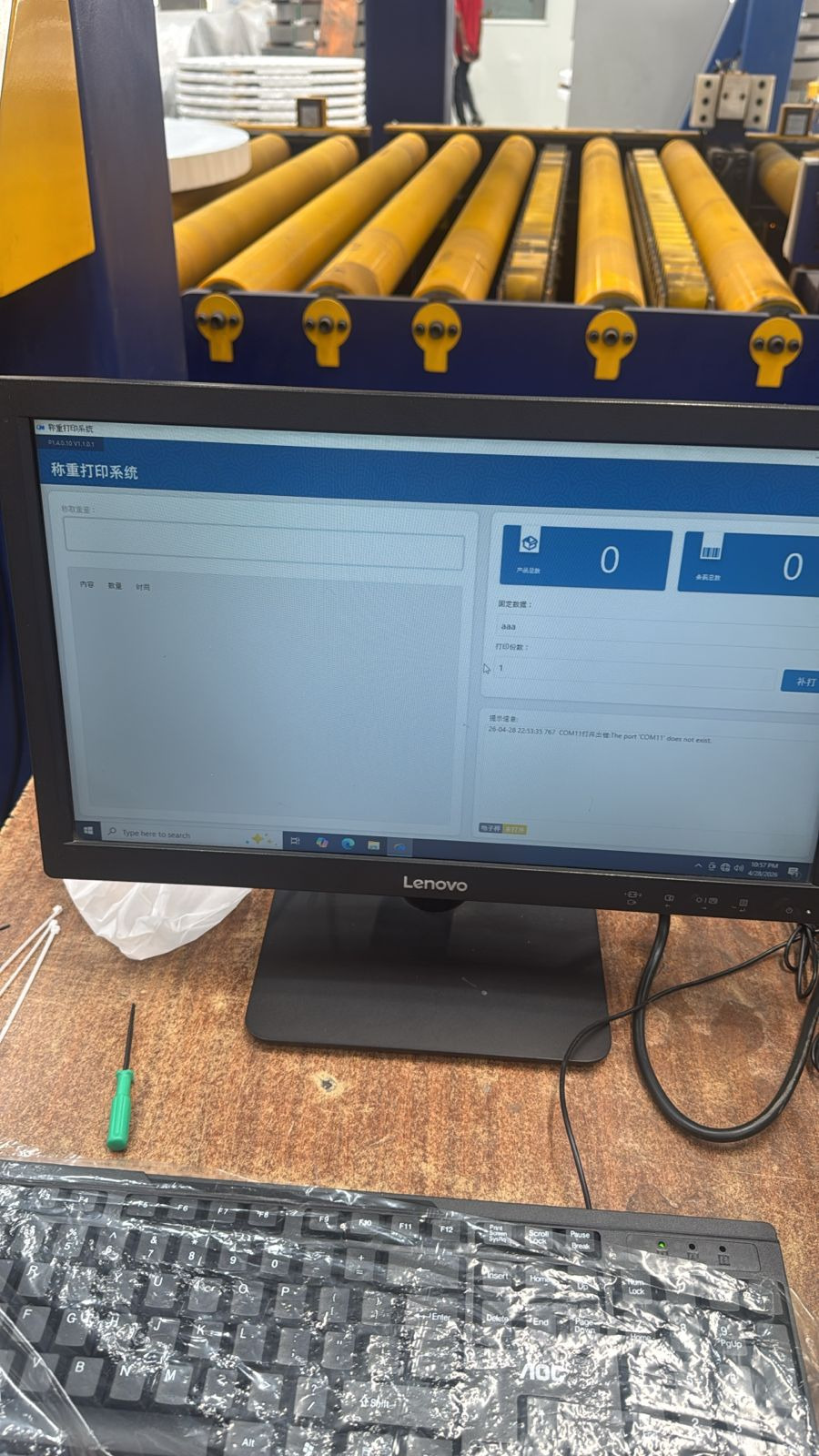
On April 29, 2026, our technical team received an urgent report from a client, MOHSIN, regarding the weighing station of their newly integrated coil packing line. The system was failing in two distinct but related ways:
2.1 The Software Error: “Input String Format”
The operator’s PC interface was flooded with a recurring system alarm: “Input string was not in a correct format.” This error is a classic symptom of a data mismatch between the weighing terminal (the hardware) and the Industrial PC (the software). In industrial RAG (Retrieval-Augmented Generation) and monitoring systems, such errors typically occur when the software expects a clean numerical string (e.g., “220.0”) but receives corrupted data, non-numeric characters, or a null value due to communication noise.
2.2 The Calibration Error: Massive Weight Discrepancies
Simultaneously, the physical display on the electronic scale was providing inaccurate readings. A test coil with a verified weight of 220 KG was registered by the scale as only 122 KG. This 45% margin of error rendered the weighing station useless for commercial purposes and threatened the integrity of the client’s shipping logs.

3. The Troubleshooting Journey: A Chronological Log
Day 1: Communication and Initial Diagnostics (April 29)
The first step in any remote intervention is establishing a clear line of communication. Despite the geographical distance, our team utilized real-time messaging and video sharing to assess the situation.
Our engineers initially suspected a baud rate mismatch or a faulty RS232/RS485 cable. If the data transmission speed between the scale and the PC is not synchronized, the PC interprets the incoming bits incorrectly, leading to the “string format” error. We instructed the client to verify the COM port settings on the PC and the transmission frequency on the scale’s internal menu.
Day 2: The Logic of Calibration (April 30)
By the second day, the focus shifted to the physical accuracy of the scale. The client attempted to follow a Chinese-language instructional video provided by our factory. To bridge the language gap, we provided real-time translations and technical summaries via AI-assisted communication.
The client began experimenting with the “Scale Coefficient” (often labeled as a multiplier or K-value in weighing terminals).
- Test A: When the client set the coefficient to 0.5, the weight was reduced by exactly half.
- Test B: When set to 0.2, the weight dropped by two-thirds.
- The Breakthrough: Our engineers recognized that the scale was in a “Ratio-Metric” mode rather than a “Standard Calibration” mode. We instructed the client to set the value to 1.
This adjustment successfully aligned the scale’s internal logic with the load cell’s analog signal. For the first time in 48 hours, the scale display read 220 KG for a 220 KG coil.
Day 3: Bridging the Signal (May 1 – May 2)
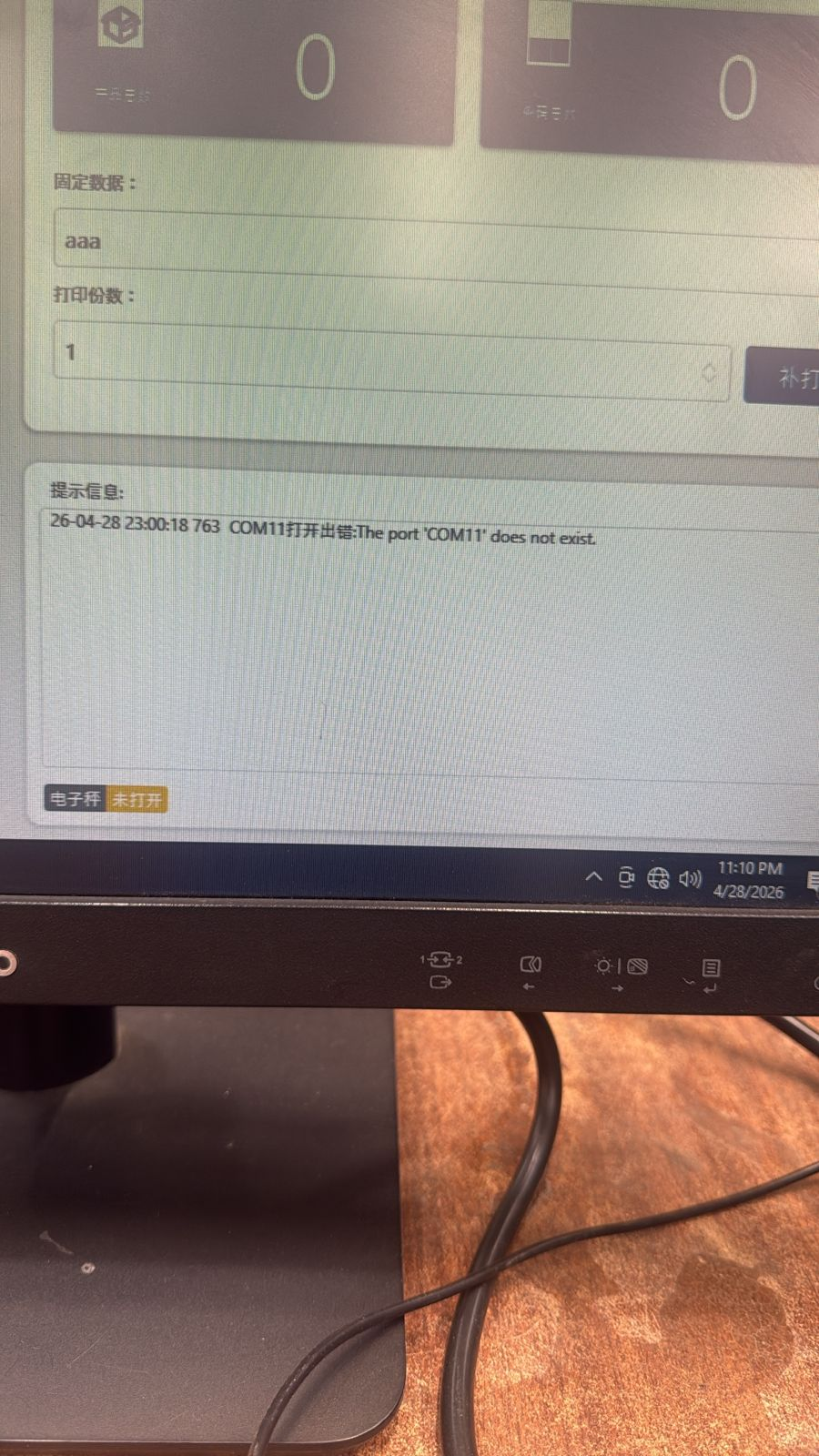
While the scale was now physically accurate, the PC still refused to display the weight. This indicated that the “Input string” alarm was not just a result of wrong numbers, but perhaps a complete lack of valid signal transmission.
Engineer Mr. Guo provided a definitive diagnosis: “The electronic scale is not set correctly, or the wires are not connected properly.” In industrial weighing, there are several data formats (Continuous, Command, or Stable). If the scale is set to “Stable” mode but the PC is programmed to “Continuous” polling, the software will crash when it tries to parse an empty buffer. We guided the client through the process of:
- Checking the physical continuity of the TX/RX (Transmit/Receive) wires.
- Ensuring the scale was set to “Continuous Send” mode.
- Cleaning the RS232 pins to prevent signal grounding.
4. Resolution and Success
On the morning of May 2, the client provided the final update: “Now working ok. Thanks for online support.”
By methodically separating the “physical display” issue from the “data transmission” issue, we were able to restore full functionality to the packing line. The “Input string” error was eliminated once the PC received a steady, correctly formatted ASCII string from the calibrated scale.
5. Technical Deep-Dive: Why “Input String Format” Errors Happen
For technical professionals, understanding the why is as important as the how. In the context of an industrial PC running a .NET or Java-based monitoring application, the software typically uses a function like Double.Parse() or Convert.ToDecimal() to turn the scale’s signal into a usable number.
If the scale sends a string like WT: 000220KG\r\n, the software must be told exactly which characters to strip away. If the scale suddenly sends ?#&@!220 because of a loose wire or interference from a nearby motor (EMI), the parsing function fails, and the system throws the “Input string was not in a correct format” alarm. This is why high-quality shielded cables and correct grounding are non-negotiable in coil packing line environments.
6. Proactive Maintenance: Fhope’s Recommended Best Practices
To prevent similar downtime, Fhope Machinery recommends the following maintenance protocol for all auxiliary weighing equipment:
- Shielding and Grounding: Ensure that all communication cables between the scale and the PLC/PC are shielded and kept away from high-voltage power lines of the main wrapping motors.
- Quarterly Calibration: Industrial scales are subject to vibration. Use a certified test weight every three months to verify accuracy.
- Software Buffering: If you are developing your own interface, ensure your code includes “Error Handling” (Try-Catch blocks) for data parsing to prevent the entire system from locking up during a temporary signal drop.
- Connector Inspection: Check for oxidation on RS232/485 pins, especially in humid or dusty industrial environments.
7. Conclusion: Beyond Machinery—A Partnership in Engineering
At Shanghai Fhope Machinery, we pride ourselves on our primary product—the coil packing line. However, we understand that our customers don’t just buy machines; they buy a result. That result is an uninterrupted flow of perfectly packed products ready for the global market.
This case study demonstrates that even when auxiliary equipment presents challenges, our team possesses the technical depth and the dedication to see the problem through to resolution. We don’t just build machines; we build the systems that keep global industry moving.
Technical Summary Table
| Component | Initial Status | Final Status | Resolution Action |
|---|---|---|---|
| Physical Display | 122 KG (Incorrect) | 220 KG (Correct) | Reset Calibration Coefficient to 1 |
| PC Interface | “Input String” Alarm | Data Displayed Correctly | Verified Continuous Send & Wiring |
| Connectivity | Erratic / Intermittent | Stable 24/7 | Protocol Synchronization |
For further technical inquiries or to request a consultation for your packaging automation needs, please contact the Fhope Machinery Technical Department.